Smart locks for Samsung SmartThings

Connect your front door to the Samsung SmartThings app. These five smart locks are officially licensed by Samsung. No separate hub or gateway is required.

Find your Samsung SmartThings lock

Compare unlock methods, features, and installed prices.

See them in the catalogue
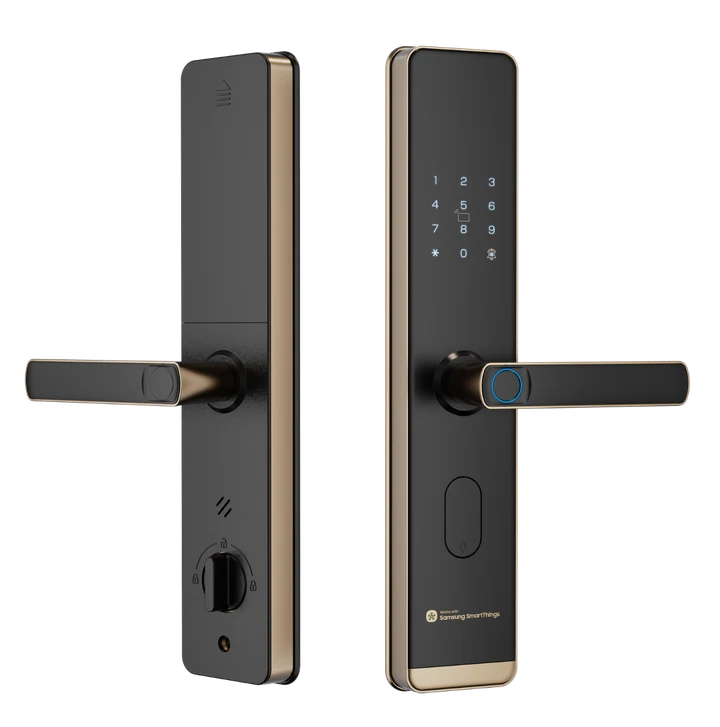
SY10 smart lock — supplied product view

SY10

₱9,999

Everyday access, elevated

Fingerprint · PIN · Key card

Samsung SmartThings

Installation included*

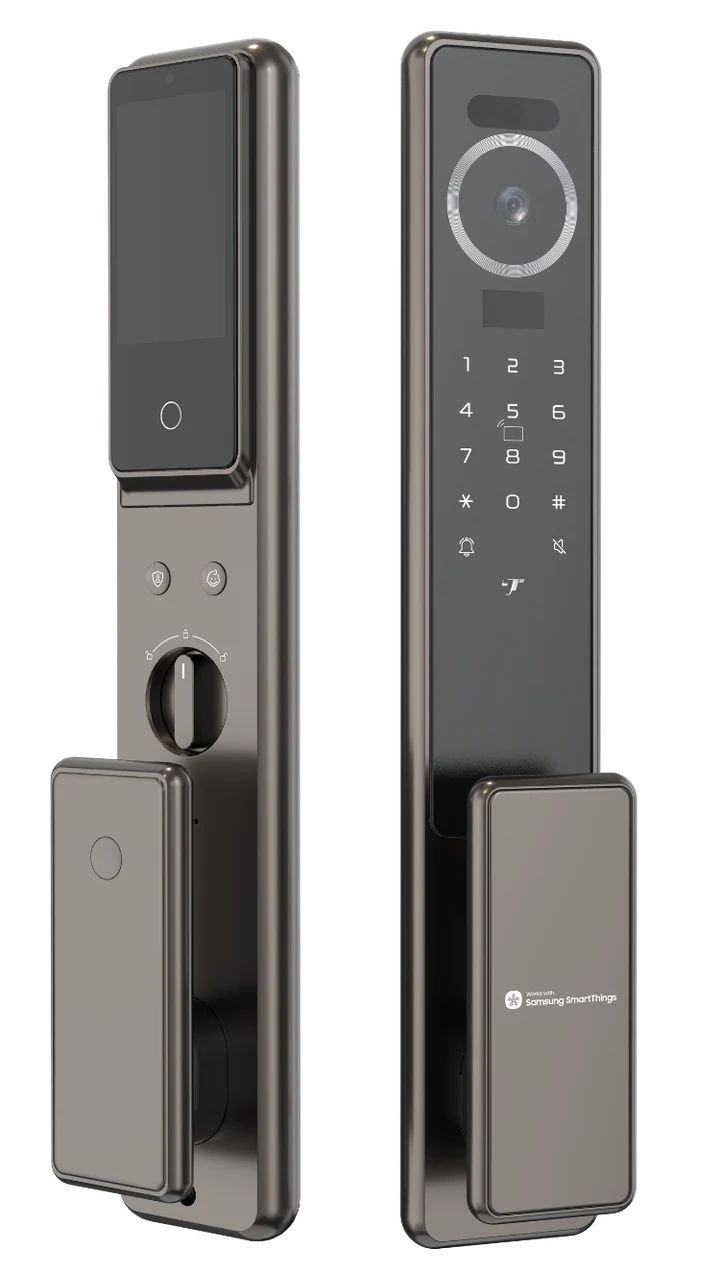
P90 Max smart lock — supplied product view

P90 Max

₱19,999

A considered upgrade for your entrance

Face recognition · Fingerprint · PIN

Samsung SmartThings

Installation included*
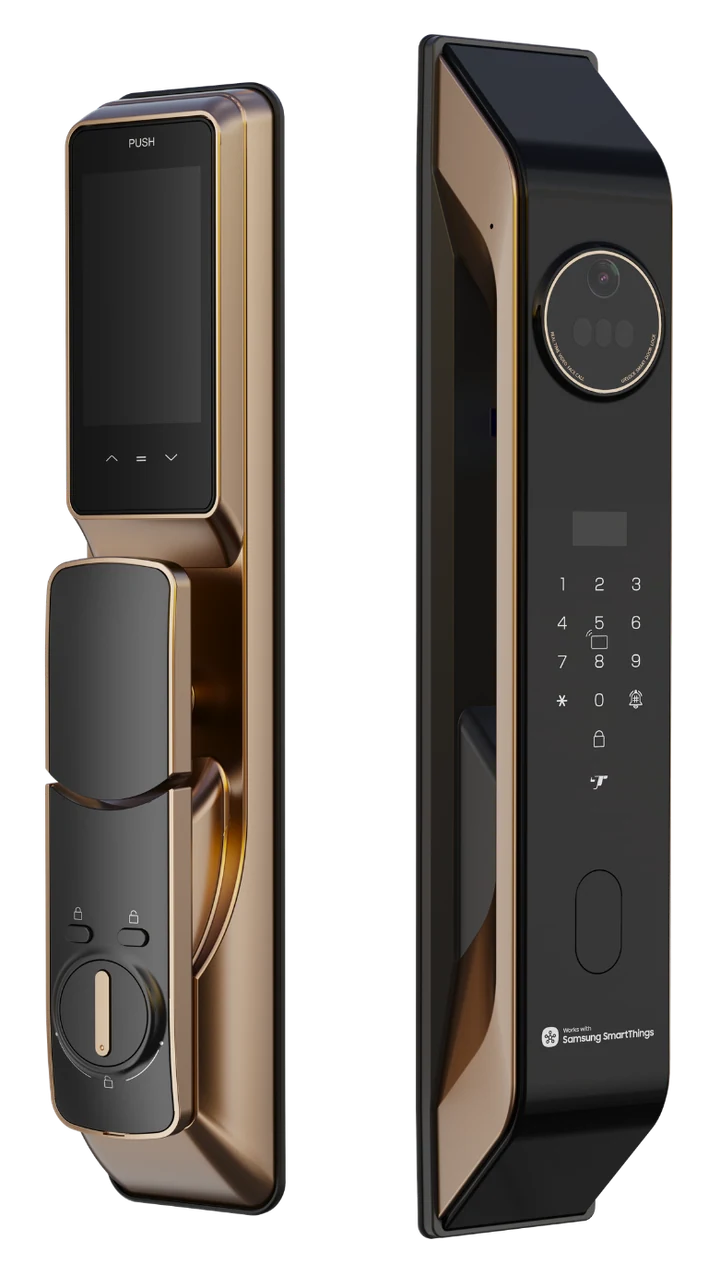
Y30 Max smart lock — supplied product view

Y30 Max

₱22,999

A welcome at the wave of a hand

Palm vein · Face recognition · Fingerprint

Samsung SmartThings

Installation included*
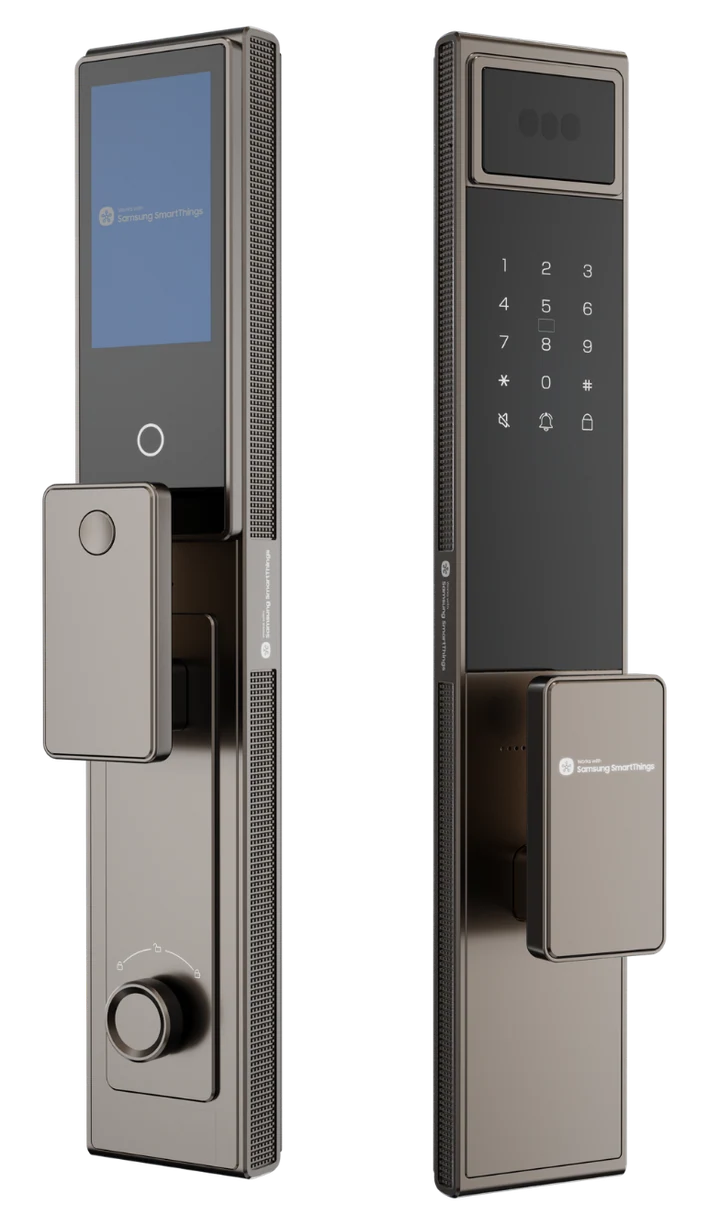
Y40 Max smart lock — supplied product view

Y40 Max

₱24,999

Smart living starts at the door

Face recognition · Fingerprint · PIN

Samsung SmartThings

Installation included*
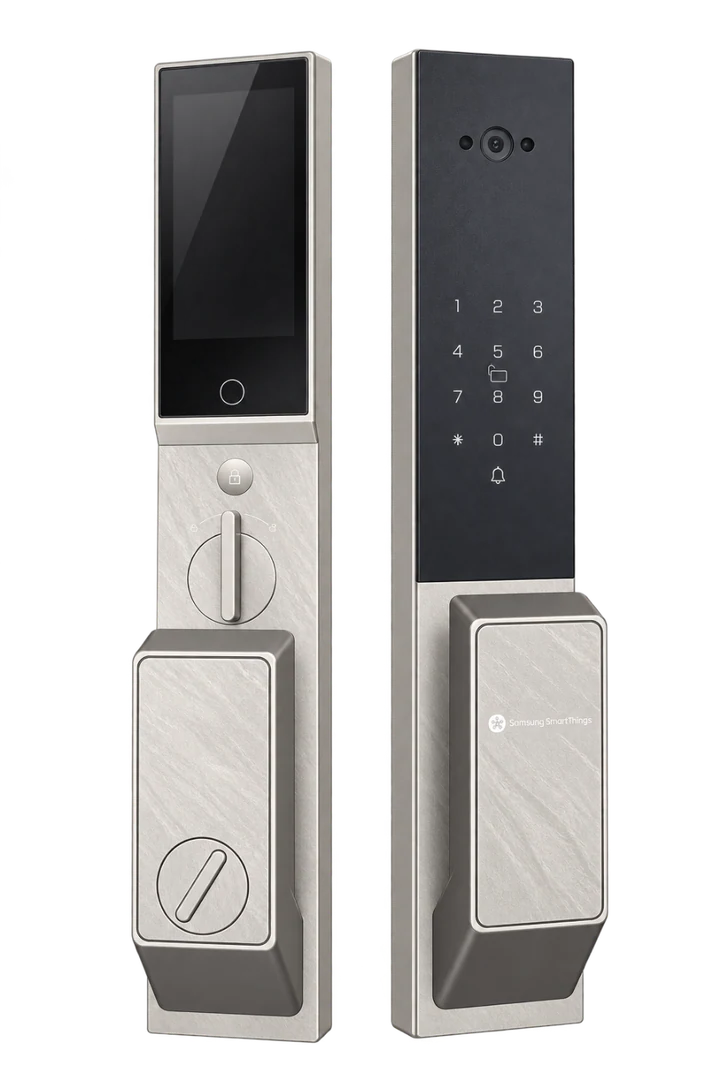
R60 Max smart lock — supplied product view

R60 Max

₱26,999

Make an entrance. Effortlessly.

Face recognition · Fingerprint · PIN

Samsung SmartThings

Installation included*
*We confirm door compatibility, installation scope, and scheduling with your quote.

PERSONAL ADVICE. NO GUESSWORK.

Ask ED BnSons

Tell us what you’d like to know. You can edit the message before sending it.

Open Messenger

Copy your message and paste it in Messenger. Nothing is sent automatically. Quotes and dates are confirmed by our team. Visit our Facebook Page if Messenger doesn’t open.

MADE TO KEEP CLOSE

Your next lock.
One tap away.

Add Loock by ED BnSons to your home screen. Browse saved pages and compare your shortlist whenever you need.

  1. Open this site in your browser.
  2. Open the browser menu and choose Install app or Add to Home Screen.
  3. Confirm to add the app.

Free to add. No app-store download. Current prices and enquiries require internet access.